Investigation & Skanning Profiles
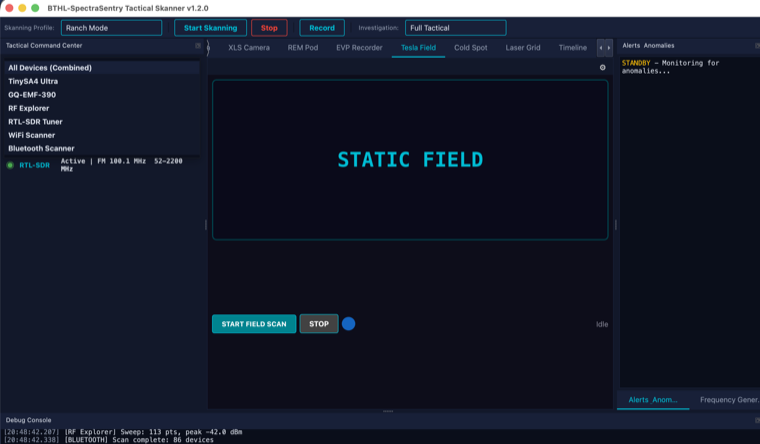
One-click presets that configure devices, displays, sweep ranges and alert thresholds for a scenario — including a dedicated Skinwalker Ranch mode.
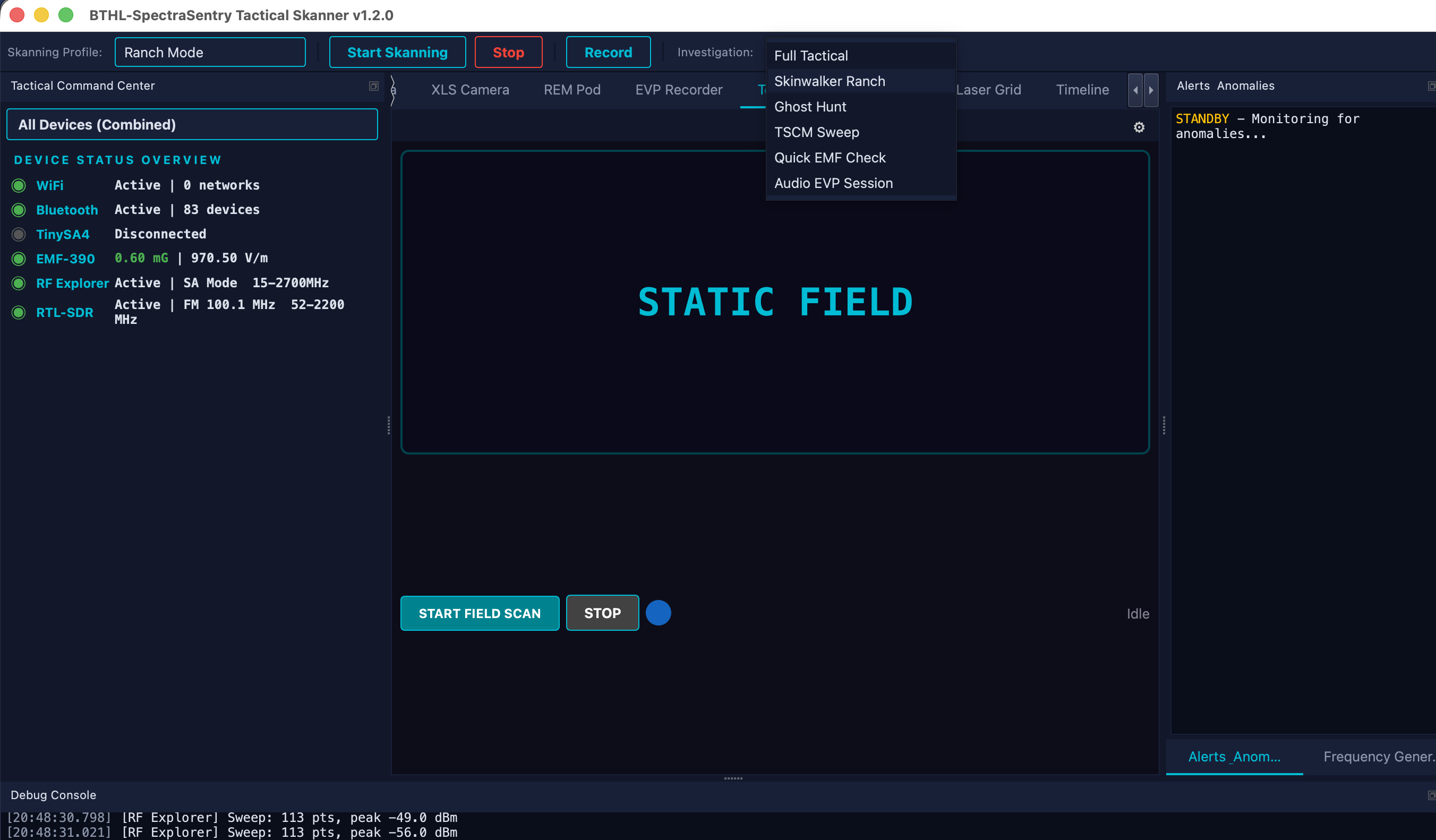
Investigation profiles set the HUD layout, which devices are active, and alert behavior for a given scenario; Skanning profiles drive the sweep engine’s ranges, dwell and detectors. Built-ins include Full Tactical, Skinwalker Ranch, Ghost Hunt, TSCM Sweep, Quick EMF and Audio EVP. The Skinwalker Ranch profile packages a 1.6 GHz anomaly watch, ground-radar low-band sweeps, 19 Hz infrasound monitoring and Solfeggio/Schumann environmental stimulation. Profiles are plain YAML (a K8Scape-style apiVersion/kind/spec schema), so you can version and share them.
Switching the whole rig to a scenario in one click (ranch survey, ghost hunt, TSCM).
Standardizing setups across investigations and team members.
Versioning and sharing custom device/sweep/alert configurations as YAML.
- Pick a profile. Choose from the profile selector (Full Tactical, Skinwalker Ranch, Ghost Hunt, TSCM, Quick EMF, Audio EVP).
- Select your devices. The device source selector enables the analyzers/sensors the profile needs.
- Tune & save. Adjust ranges and alert thresholds; export to YAML to reuse or share.
| Investigation profiles | Full Tactical · Skinwalker Ranch · Ghost Hunt · TSCM Sweep · Quick EMF · Audio EVP |
| Skanning profiles | Ranch Mode · Ground Radar · Full Spectrum Sweep · Anomaly Watch · Rogue Device Hunt |
| Skinwalker Ranch | 1.6 GHz watch · ground-radar sweep · 19 Hz infrasound · Solfeggio/Schumann stimulation |
| Format | YAML — apiVersion / kind / metadata / spec (versionable, shareable) |