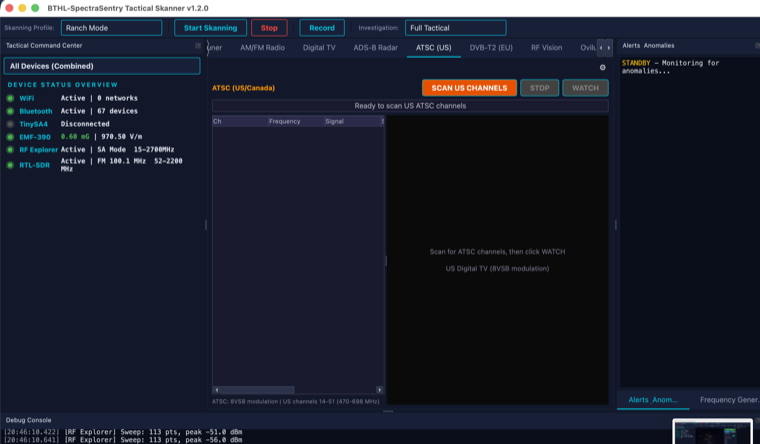
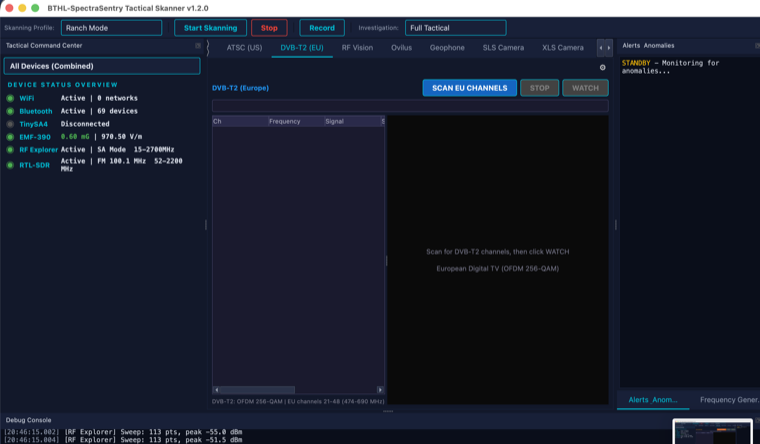
Digital TV & RF Vision
UHF/VHF channel scanners for ATSC (US) and DVB-T/DVB-T2 (EU), plus RF Vision — a live raw-IQ visualization of RF energy through ffmpeg.
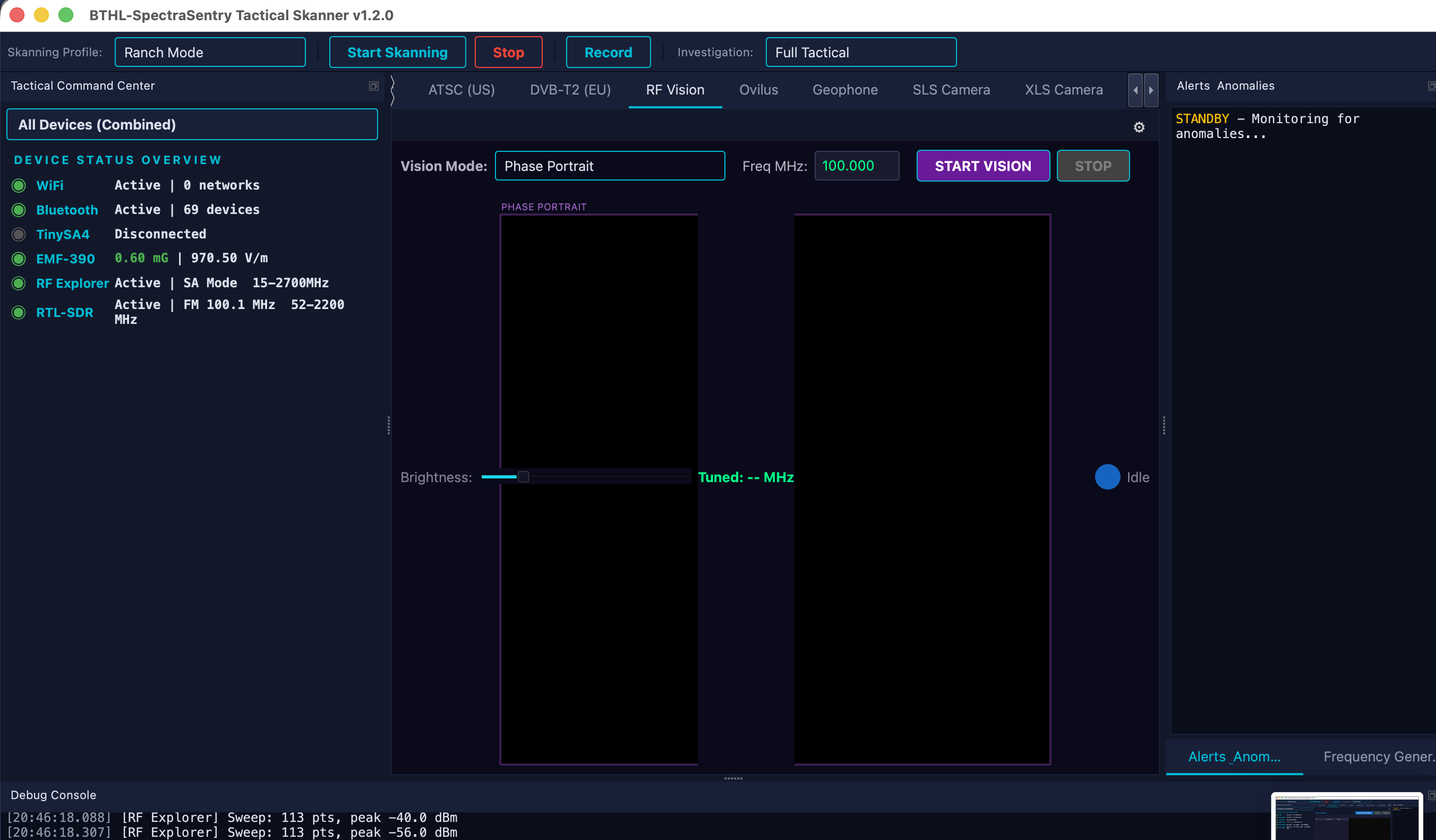
The Digital TV tab scans broadcast channels with the RTL-SDR and reports real signal strength, SNR and lock status per channel — ATSC (8VSB) tables for the US/Canada and DVB-T/DVB-T2 (OFDM) tables for Europe/Australia. RF Vision takes the raw IQ stream and pipes it through ffmpeg to render a live, moving image of the RF energy at the tuned frequency. It is a genuine RF visualization, not decoded television: the RTL-SDR cannot sample a full 6 MHz ATSC channel and ffmpeg does not demodulate 8VSB, so RF Vision shows the live field instead of program video.
Mapping which TV channels are present and how strong they are at a site.
Visualizing RF energy at a tuned frequency as a live, moving image.
Demonstrating spectrum occupancy in the UHF/VHF broadcast bands.
- Connect the RTL-SDR. Plug in the Nooelec NESDR and open the Digital TV tab.
- Scan the band. Choose ATSC (US) or DVB-T2 (EU) and Scan; the table fills with signal/SNR/lock per channel.
- Watch RF Vision. Select a channel and press WATCH; the SDR tunes and RF Vision renders the live RF field via ffmpeg.
- Install ffmpeg. RF Vision requires
ffmpegon the system (Homebrew).
| Standards | ATSC 8VSB (US/Canada) · DVB-T / DVB-T2 OFDM (EU/AU) |
| Per-channel | Real signal strength, SNR, and lock threshold analysis |
| RF Vision | Raw IQ → ffmpeg → live RGB frames (real RF energy, not decoded program) |
| Note | True broadcast decode is not possible on RTL-SDR (bandwidth + 8VSB) — RF Vision shows the live field |