Audio Monitor & EVP
Real microphone capture with a 64-band FFT analyzer, infrasound detection, and a dedicated EVP session recorder.
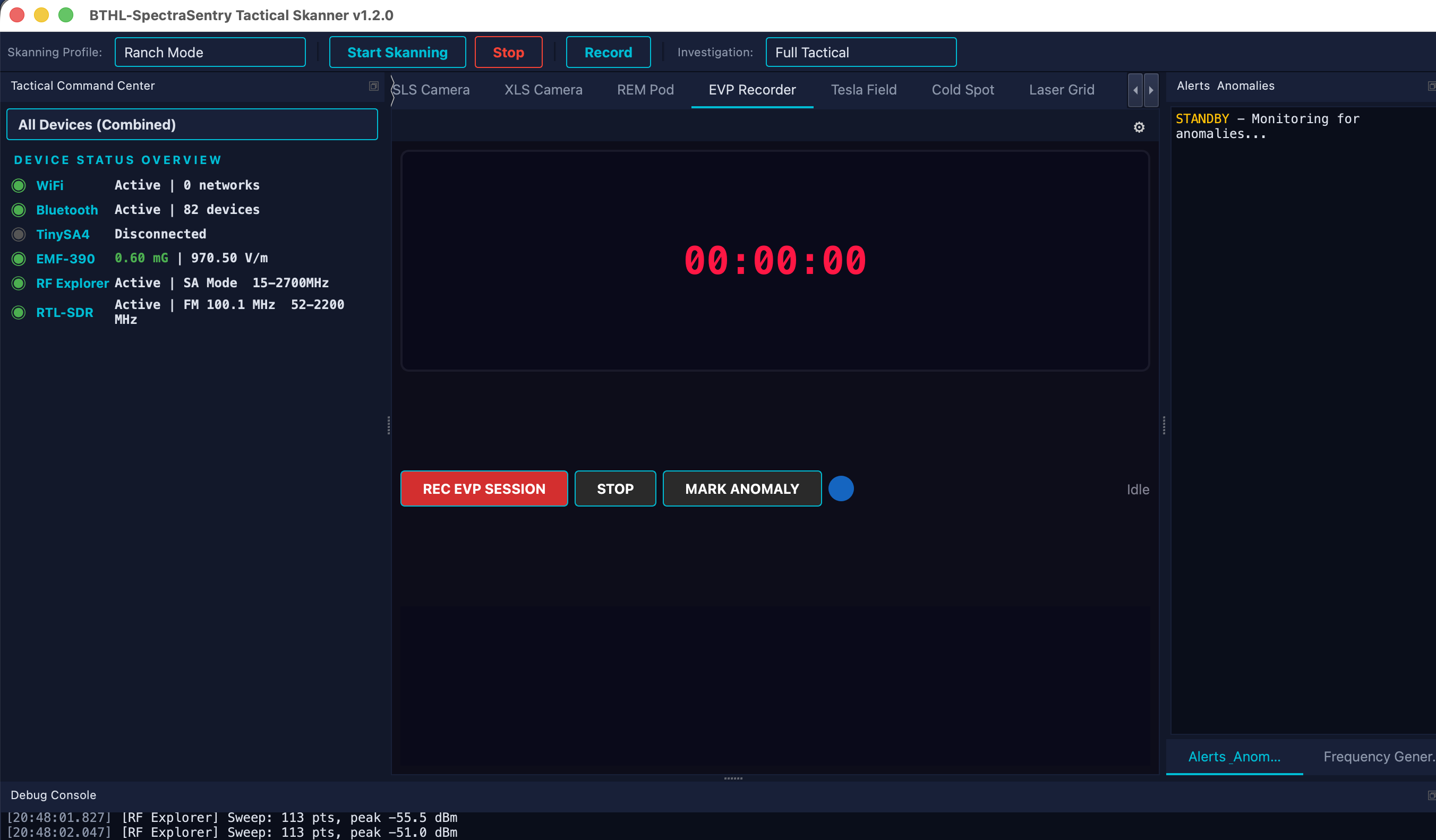
The Audio Monitor captures the system microphone via CoreAudio and runs a 64-band FFT frequency analysis with dB-calibrated peak and RMS meters and 1×–64× waveform zoom. It flags 19 Hz infrasound — the “fear frequency” documented to cause unease. The EVP Recorder captures sessions to 16/24-bit WAV streamed to disk (with 1 GB warnings), supports alert-triggered capture for unattended runs, and lets you drop anomaly markers in the timeline. All audio is real captured input — without microphone permission the monitor shows “awaiting audio input”.
EVP sessions — recording and reviewing for anomalous voice phenomena.
Monitoring for 19 Hz infrasound during an investigation.
Watching a live waveform/spectrum of ambient sound at a location.
Unattended capture that starts recording on an alert.
- Grant microphone access. System Settings → Privacy & Security → Microphone → enable the app, then relaunch.
- Watch the analyzer. The 64-band FFT and waveform show live input; peak/RMS meters are dB-calibrated.
- Record an EVP session. Open the EVP Recorder, press REC, and drop anomaly markers as you go.
- Review. WAV files stream to disk; peaks and infrasound events are flagged for review.
| Capture | CoreAudio microphone · 64-band FFT · peak + RMS (dB) · 1×–64× zoom |
| Infrasound | 19 Hz “fear frequency” detection |
| Recording | 16/24-bit WAV streamed to disk · 1 GB warnings · alert-triggered capture |
| Data | Real microphone input only — “awaiting audio” without permission |